
5 Essential MCPs for Vibe Coding: AI Tools to Boost Developer Productivity
Want to boost your development productivity with vibe coding? Here are 5 MCP servers that developers actually use.

In 2025, the hottest keyword among developers is undoubtedly Vibe Coding. First coined by Andrej Karpathy, this term refers to a new development approach where you "describe what you want to AI in natural language, accept the generated code, and hand errors back to AI to fix."
At the core of vibe coding is MCP (Model Context Protocol). With MCP, AI can go beyond simply generating code—it can explore file systems, search the web, and communicate with external APIs. In this article, we'll introduce 5 essential MCPs that maximize vibe coding productivity.
What is MCP?
MCP (Model Context Protocol) is an open protocol announced by Anthropic in late 2024. It provides a standardized interface that allows AI models to safely access external data sources and tools.
Simply put, MCP is an extension for AI. Just like installing browser extensions, connecting MCP servers to your AI assistant grants it new capabilities:
- File read/write
- Web search
- Database access
- Git repository management
- External API calls
The reason MCP is crucial for vibe coding is clear: the more context AI can access, the more accurate and useful code it can generate.
Recommended MCP #1: Context7
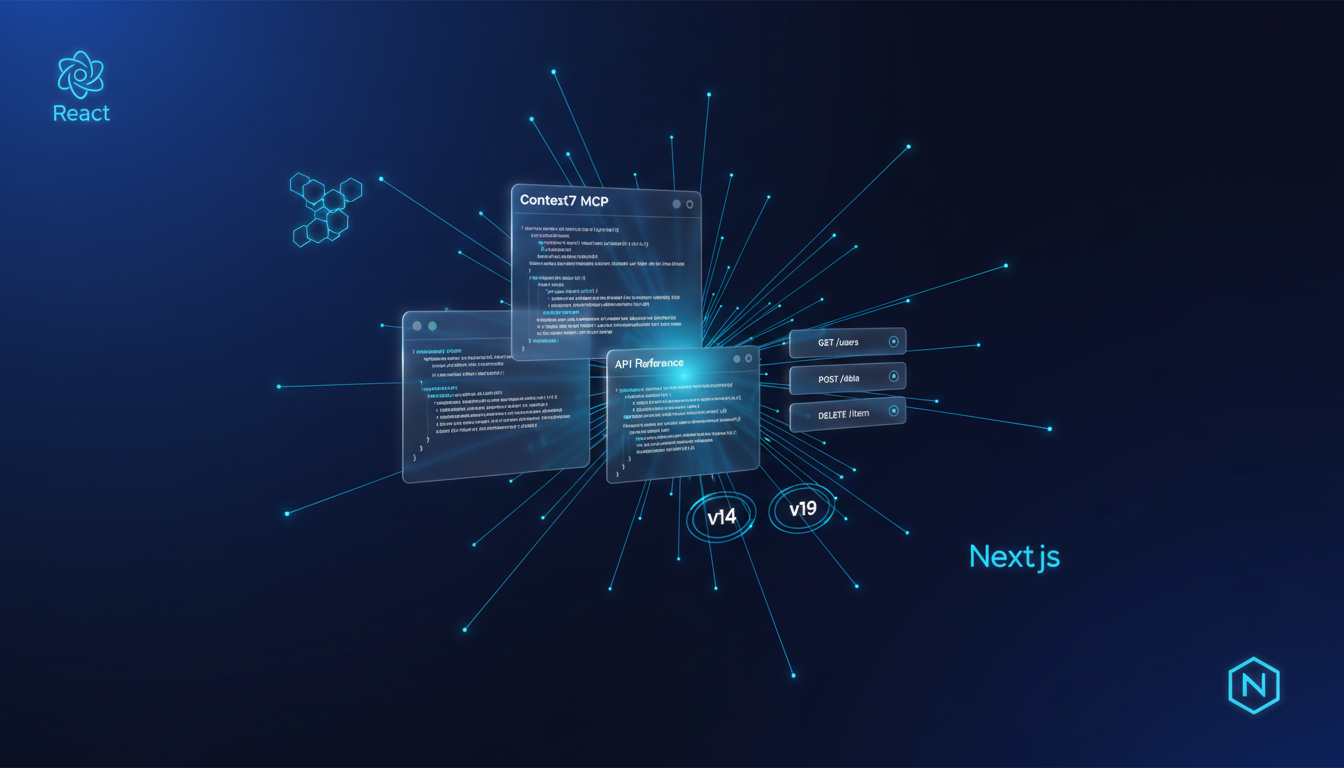
Accurate Code Generation Based on Latest Documentation
Context7 is one of the most recommended MCPs for vibe coding. AI models have a limitation—they can't know information after their training cutoff date. Context7 solves this problem.
When you ask "Show me how to use server actions in Next.js 14," Context7 references the latest official documentation to provide accurate code examples. No more struggling with outdated syntax or deprecated APIs.
Key Features:
- Automatic reference to latest framework documentation
- Accurate code generation matching specific versions
- Reflects official best practices
Recommended MCP #2: Desktop Commander
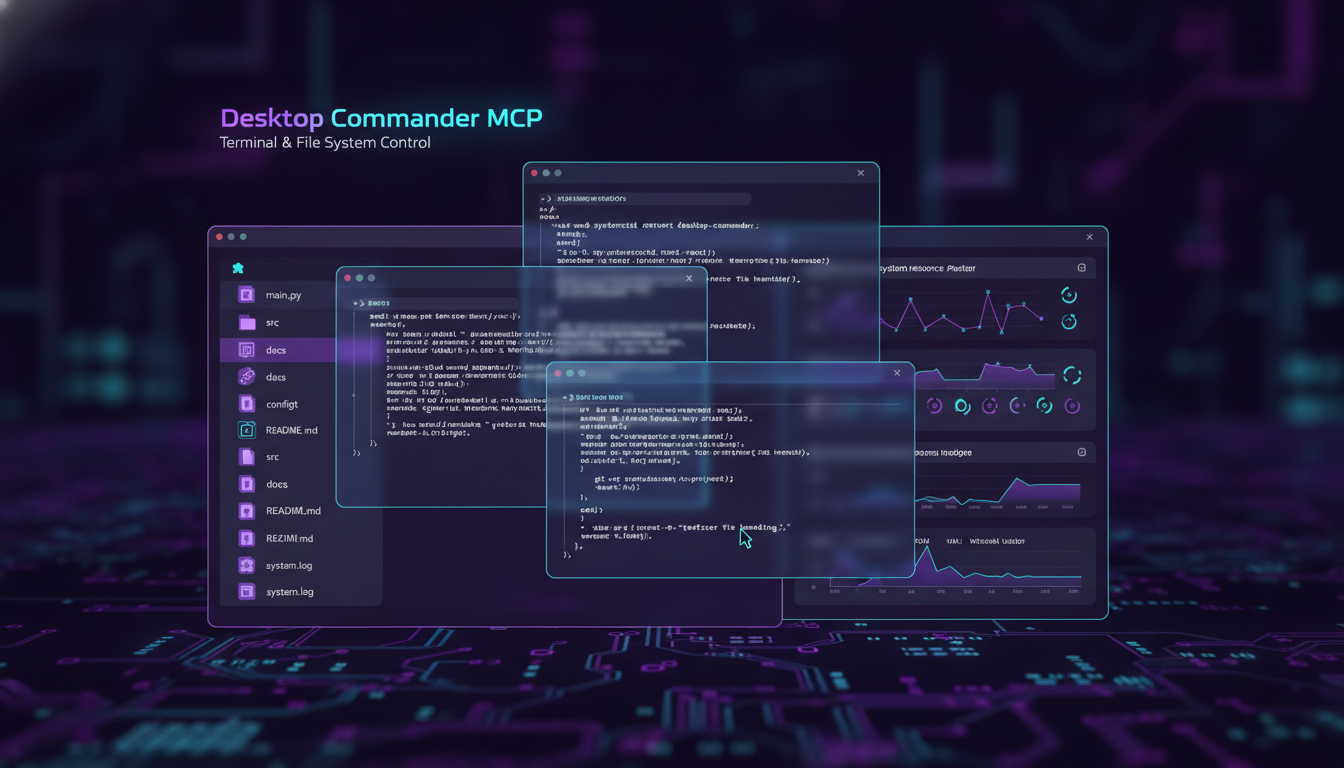
Full Control Over File System and Terminal
Desktop Commander gives Claude the ability to control your computer. Terminal command execution, file creation/modification, directory navigation—almost any operation in your local environment becomes possible.
The true "vibe" of vibe coding comes from here. You no longer need to copy and paste AI-generated code. Just say "Save this component to the components folder" and the AI creates the file directly.
Key Features:
- Direct terminal command execution
- File creation, modification, deletion
- Process management and monitoring
- Automatic project structure analysis
Recommended MCP #3: BraveSearch / Exa
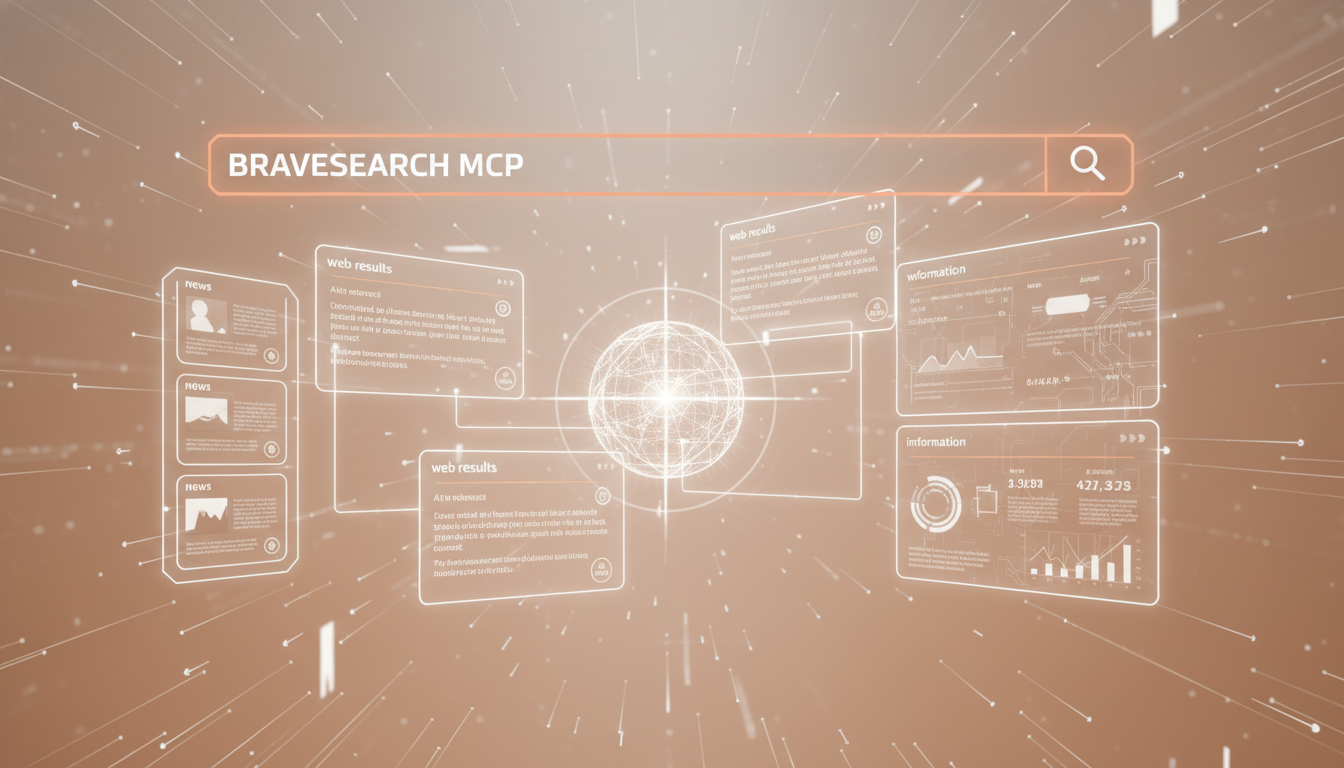
Get Latest Information with Real-time Web Search
Error messages encountered during development, new library information, recent security vulnerabilities—all this information requires real-time web search.
With BraveSearch or Exa MCP configured, AI can search the web directly to find the latest information. Ask "What's different in React 19?" and it will reference the latest blog posts and release notes to answer.
Key Features:
- Real-time web search
- Latest technology trend awareness
- Error solution search
- Stack Overflow, GitHub issue references
Recommended MCP #4: GitHub MCP
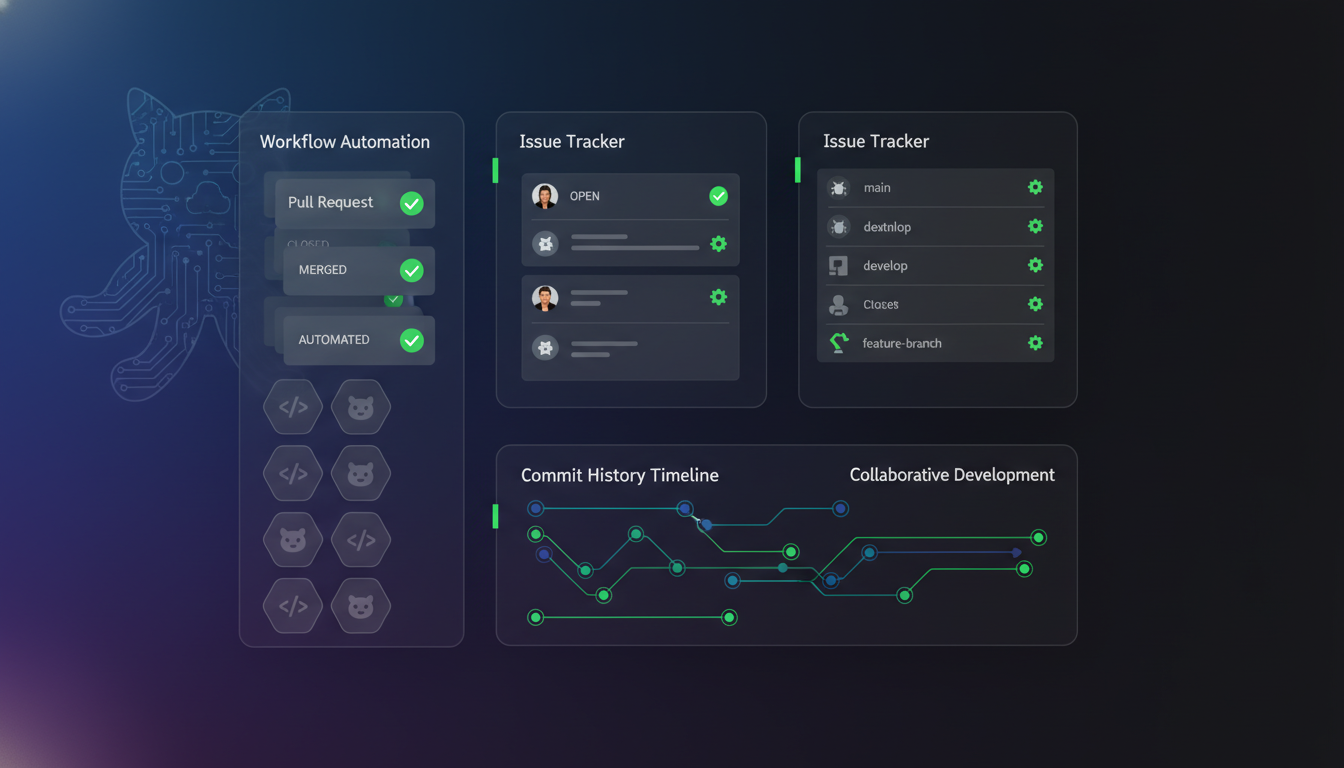
Git Workflow Automation
Git is indispensable in a developer's daily life. GitHub MCP allows you to handle repository management, issue tracking, and PR creation within AI conversations.
"Create an issue for this feature," "Tell me the review status of recent PRs," "Analyze the differences from the develop branch"—you can process these requests in natural language.
Key Features:
- Repository creation and management
- Issue/PR creation and tracking
- Commit history analysis
- CI/CD workflow triggers
Recommended MCP #5: Monet MCP

Automatically Find and Integrate React Components with AI
The last MCP we'll introduce is Monet MCP. When you want to quickly build a landing page or website, searching for components one by one is tedious.
With Monet MCP configured, your AI assistant can directly search Monet's component gallery and recommend components that fit your project. Say "I need a Hero section with a gradient background" or "Find me a pricing table component" and it instantly finds suitable components and suggests code.
Key Features:
- Search UI components with natural language
- Component recommendations matching your project style
- Apply directly without copy & paste
- High-quality components based on Next.js + Tailwind CSS
Installing Monet MCP
For IDE (Cursor, AntiGravity, ...)
Add the following to your MCP configuration file (~/.cursor/mcp.json for Cursor):
{
  "mcpServers": {
    "monet-mcp": {
      "url": "https://www.monet.design/api/remote/mcp",
      "headers": {
        "Authorization": "Bearer your-api-key-here"
      }
    }
  }
}
For Claude Code
Run the following command in your terminal:
claude mcp add --transport http monet-mcp https://www.monet.design/api/remote/mcp --header "Authorization: Bearer your-api-key-here"You can get your API key from the MCP page.
After installation, request components in natural language:
- "Add a Hero section with a CTA button"
- "I need a 3-column Feature section"
- "Find a Footer with a newsletter subscription form"
For detailed setup instructions, check out the MCP Guide.
Precautions When Using MCP
There are a few things to keep in mind when using MCP:
-
Prefer Official MCPs: Unverified MCPs may pose security risks. Use MCPs from official or trusted sources whenever possible.
-
Maintain a Reasonable Count: Installing too many MCPs can actually degrade performance. Since all MCP tool definitions are passed as tokens, costs and response times increase.
-
Be Careful with Sensitive Information: When using MCPs that access file systems or APIs, be careful not to expose sensitive information.
Conclusion
The essence of vibe coding is AI accessing more context to deliver more accurate results. Using the 5 MCPs introduced today can significantly boost your development productivity:
| MCP | Primary Role |
|---|---|
| Context7 | Accurate code generation based on latest documentation |
| Desktop Commander | Local file system and terminal control |
| BraveSearch/Exa | Real-time web search |
| GitHub | Git workflow automation |
| Monet | Automatic React UI component search and integration |
If you're working on a landing page or frontend project, definitely try Monet MCP. You can find and apply UI components as naturally as having a conversation with AI.
Browse the Monet Component Gallery to see what components are available, then follow the MCP Setup Guide to get started!
Stay Updated
Get the latest tutorials, tips, and component updates delivered to your inbox.


